Whether you are a professional photographer, a hobbyist, or a parent who simply takes way too many photos of their kids, one thing is certain – you have gazillions of precious pixels living somewhere on your computer and need a easy way of keeping it all organized.
Digital photography is fantastic because you can take as many photos as you wish. Especially with us trigger-happy documentary photographers – it’s completely normal to take a few hundred shots in just one afternoon.
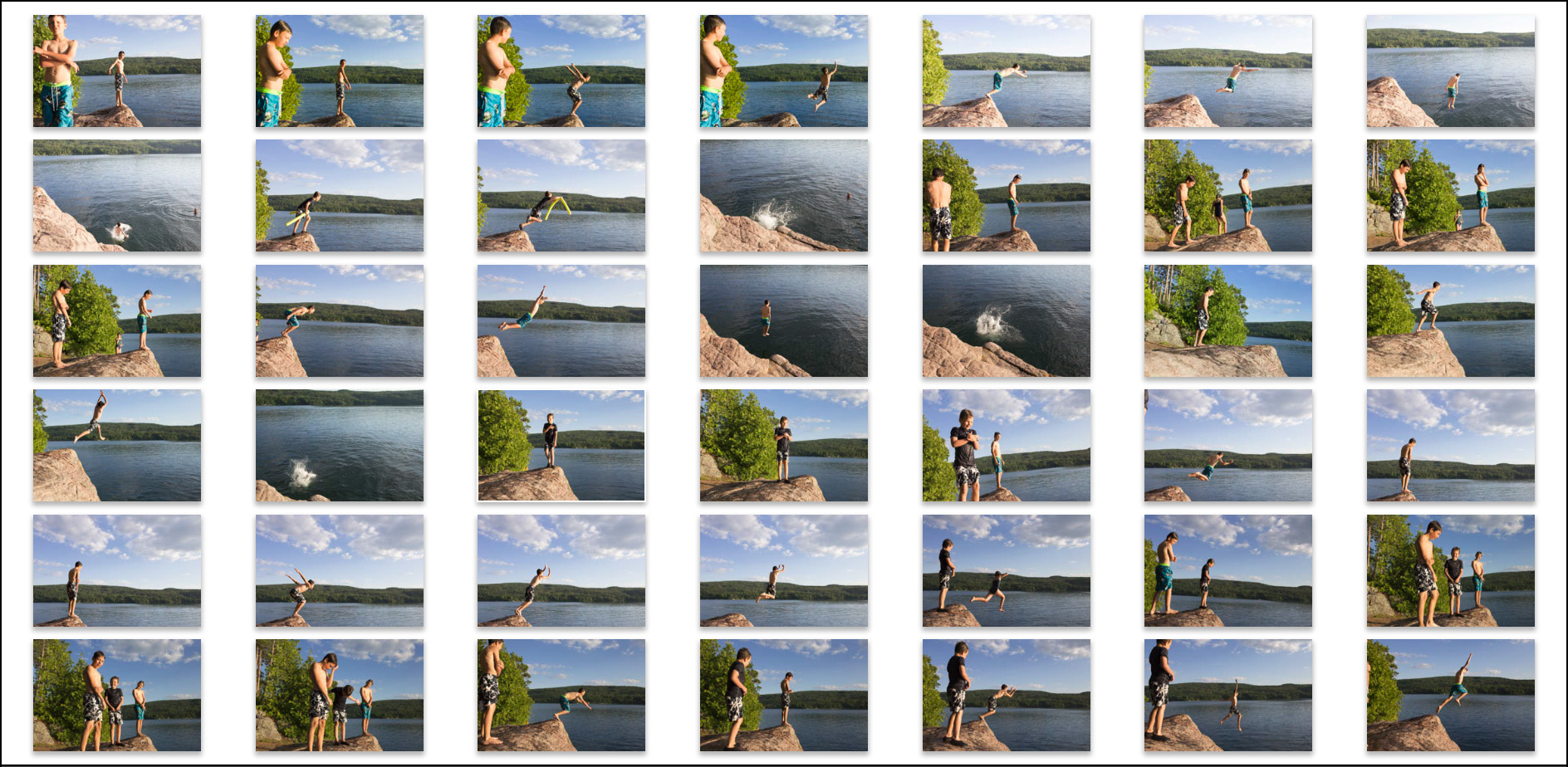 In my opinion, photographers need to be prepared to deal with these images before ever touching the shutter button. Otherwise the thrill of capturing the world as you see it through your lens can quickly become a time-consuming chore.
When I received my very first point and shoot digital camera 13 years ago it didn’t take long to figure out that the files can’t all be copied and stuck into a singular folder because the camera assigns each file the same name by default (eg. IMG_####). So at IMG_9999 the counter resets and you don’t want a duplicate or – heaven forbid – overwrite the original IMG_0001. Besides, when you stick everything into one folder, it is a headache to scroll through so many pictures to find the one or series of photos that you want. (Please don’t put everything in one folder on your desktop. Pretty please.)
Fast forward to today and I can go back to my son’s Kindergarten graduation or our trip to the cottage with friends last summer in an instant.
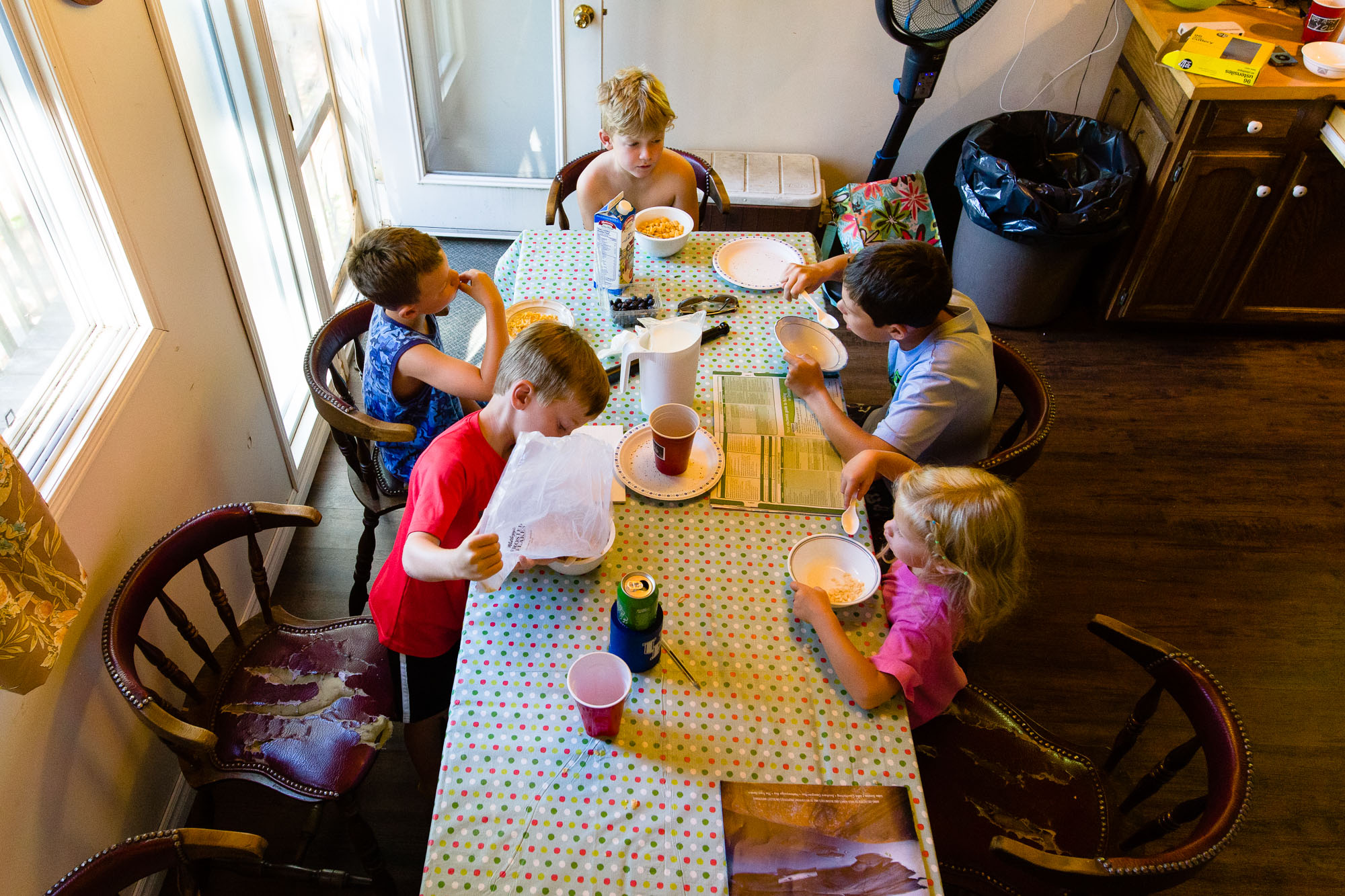 It’s been a process to implement a reliable system. I’m not sure how I stumbled upon this particular structure but I’ve refined a few different ideas and tricks from all over the place until something finally worked for me. Many mistakes were made along the way. I’ve learned the hard way that folders with random naming conventions containing valuable images of adorable toddlers always end up lost in the shuffle if you don’t have a solid system in place.
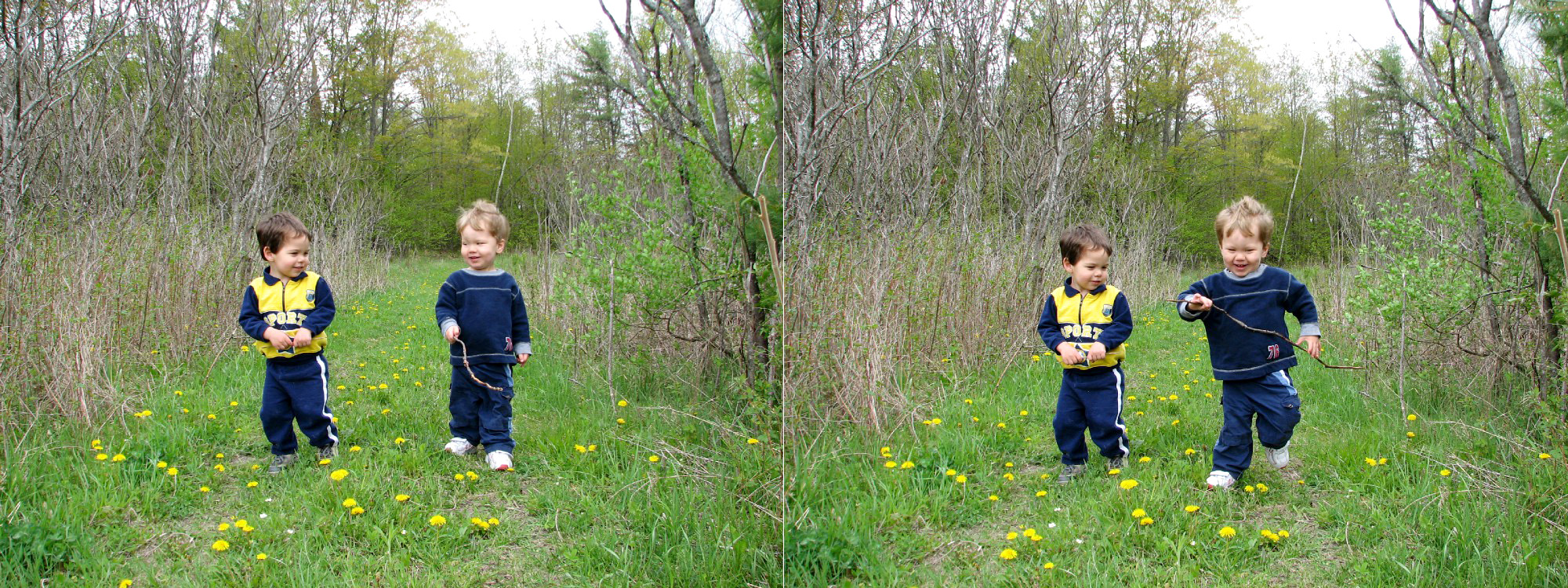
Told ya. Insanely adorable toddlers circa 2006.
Fast forward to present day and these two dudes and their little brother need photos for school projects quite often. My overall goal was clear: if someone in our family wanted to find a photo of a particular event or time, I wanted them to be able to find it on our computer without having to ask for my assistance. A logical and simple folder structure is the answer when dealing with a plethora of photos.
There are a number of helpful tools available to achieve photo organization success; I happen to use Lightroom and import my personal images directly into one catalog.
I have all photos sorted in yearly folders within PHOTOGRAPHS at the top of the hierarchy. You can keep the default ‘My Pictures’ or ‘iPhoto’ folder created by your computer, but I like having the PHOTOGRAPHS folder because it is distinct and I know that’s where I have all of my photos. (I use a PC and the default setting is to store photos downloaded from the Internet into that same system-designated My Pictures library. That’s another big reason that I prefer keeping all my personal images separate.)
When you look in folders for each year there is another set of folders broken down into months with a number in front (ie. 02-February). Placing the ’02’ in front of the month name is key because that helps keep it all in chronological order. (Otherwise you have April next to August and that’s when things just get ugly. You may as well just throw in the towel now.)
Once upon a time I did just keep the photos separated by specific date within the monthly folders but it quickly created confusion. (As much as I told myself I was organized, I still couldn’t find what I was looking for in a jiffy, much less have someone else try to find it.) You have no clue what photos are lurking inside when you see ‘2007-07-02’, ‘2007-07-06’, ‘2007-07-13’ and so on.

However, when you name it something more descriptive like ‘Visit to Grandma’s House’, ‘Playing in the Sprinkler’, and ‘Jumping on the Bed’, there is no question what types of photos are awaiting you inside those lovely folders.

Here’s a peek at my system at work in Lightroom: all of my photos within each Year – Month – Description all happily living under the parent folder, PHOTOGRAPHS.
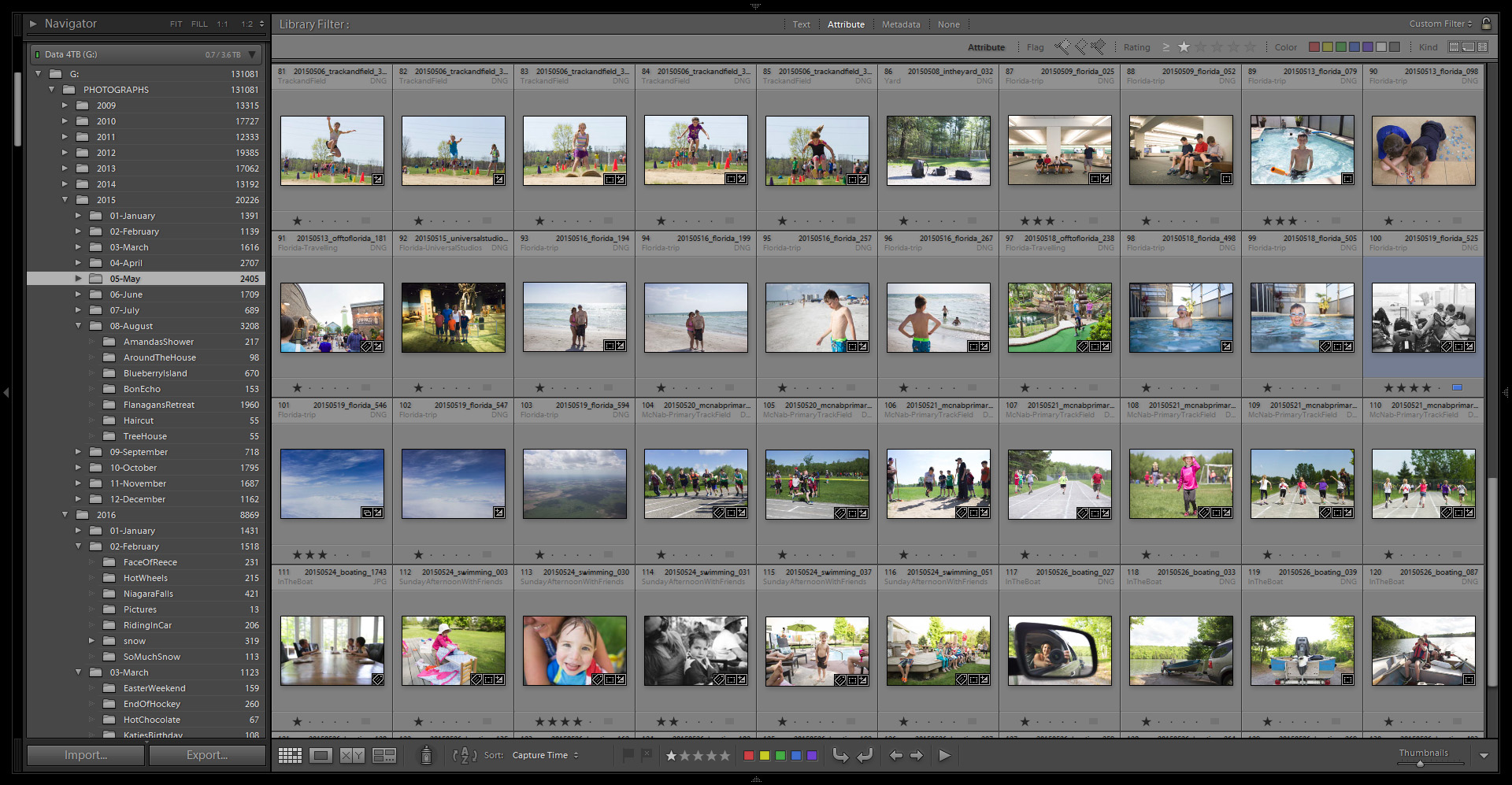
See that — I have more than 130,000 images in my PHOTOGRAPHS folder just from 2009!
NOTE: I’ve seen many suggestions of giving the folder a description + the date, but I feel the extra typing is not necessary because a) I already know the year and month right off the bat by looking at the folder structure, and b) I rename my files with the date so it’s right there when I see the photos. The date is also embedded in the metadata. There’s a point when you hit date-reference overload here folks. 😉
Which brings me to renaming individual photos within Lightroom. People, it is a cinch to rename the files as they’re being imported so failing a good folder system, at the very least please rename your files. I always rename mine using a date_description_sequence convention to ensure that no two files will ever be the same.

Now that I have been successfully using this fool-proof system for at least six years, I can honestly say that I never dread dealing with the thousands of image files that make their way to my hard drives.
It’s also relatively easy to go back through the archives and implement this folder structure on all of my failures from 2004 and on. Before working your way back, always make a backup copy of everything before attempting to re-organize your older images.
What I’ve noticed is that keeping on top of this system gives me more time to get out and shoot and then do cool things with the data after the upload and edits are complete.
 That’s the whole point of this photography thing anyway, right? Whenever I want to make prints or pick images for a photobook, the hardest part is selecting which photos I want to send off to the printer yet barely any time is spent sifting for the actual folder containing the sought-after images.
After all, seeing your photos on the screen is one thing, but bringing them to life is what is most important!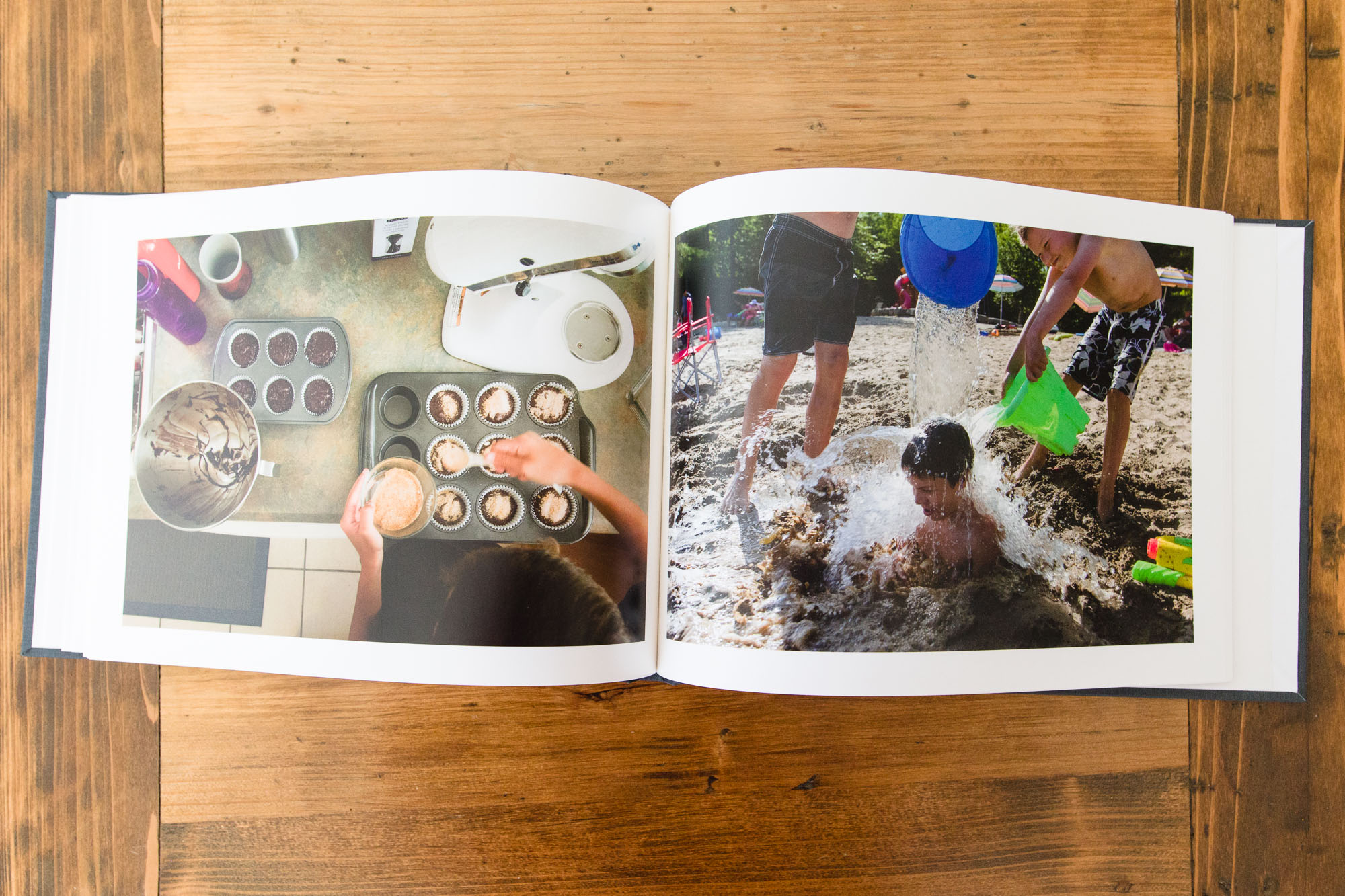
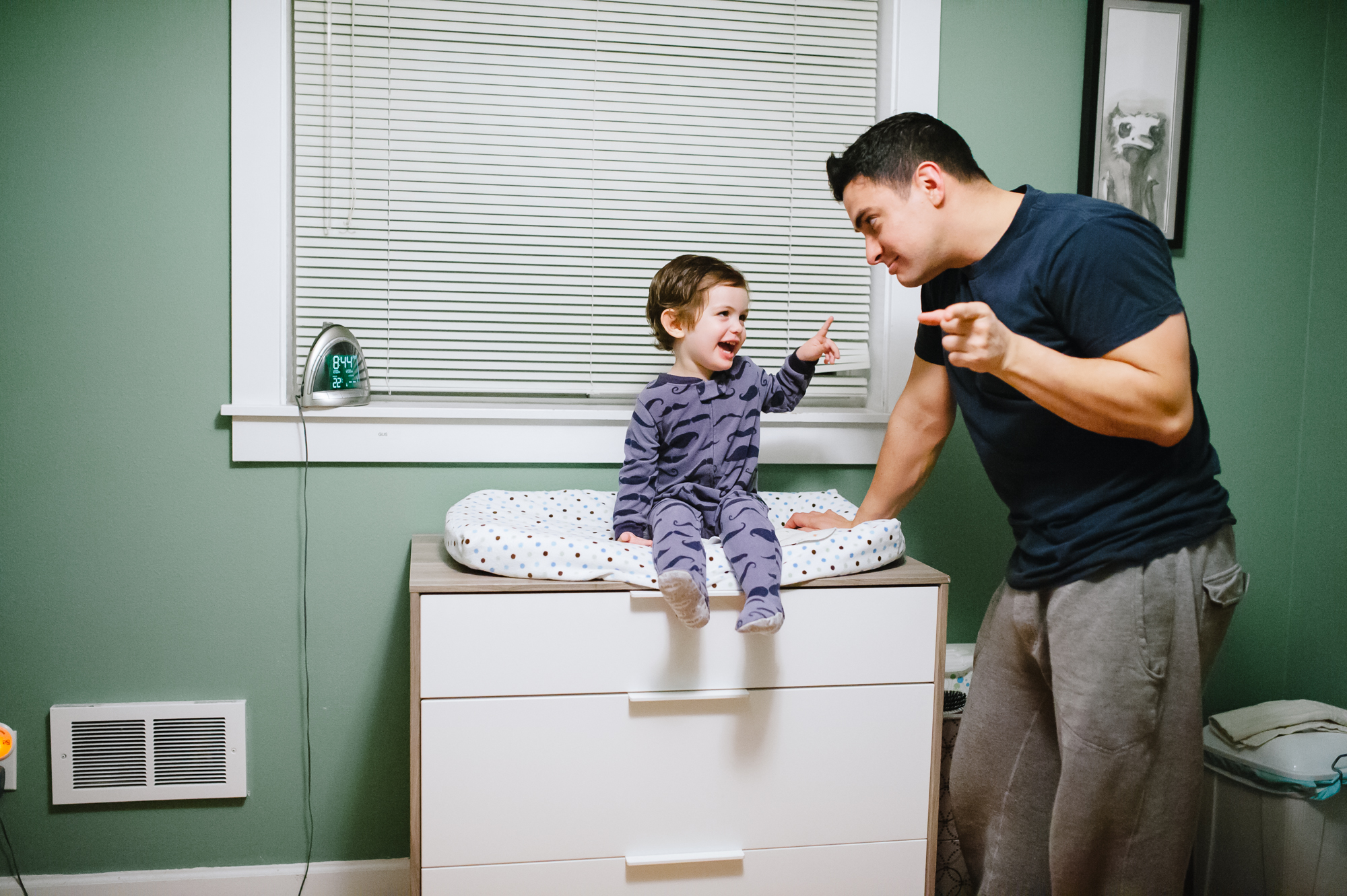
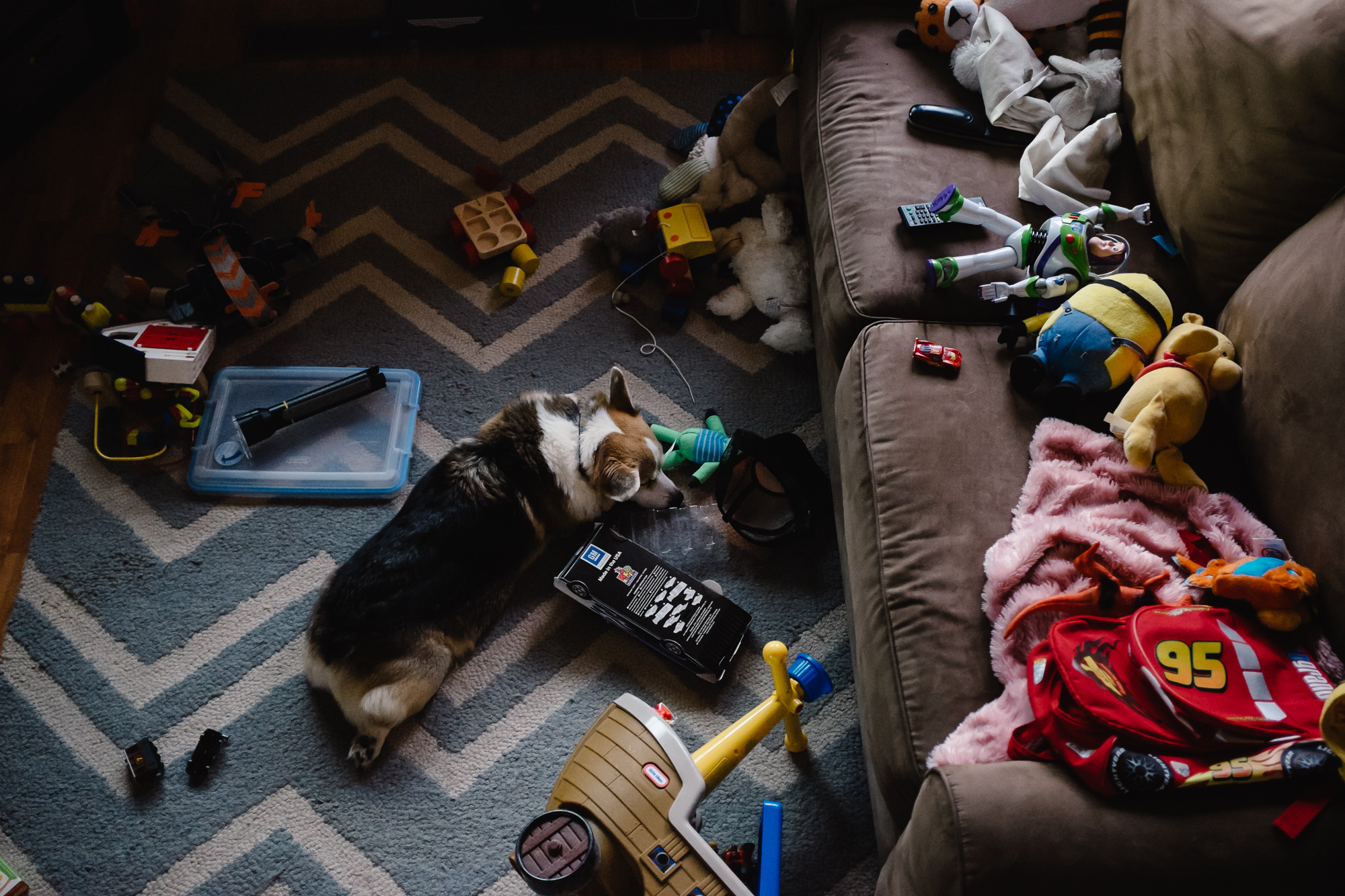
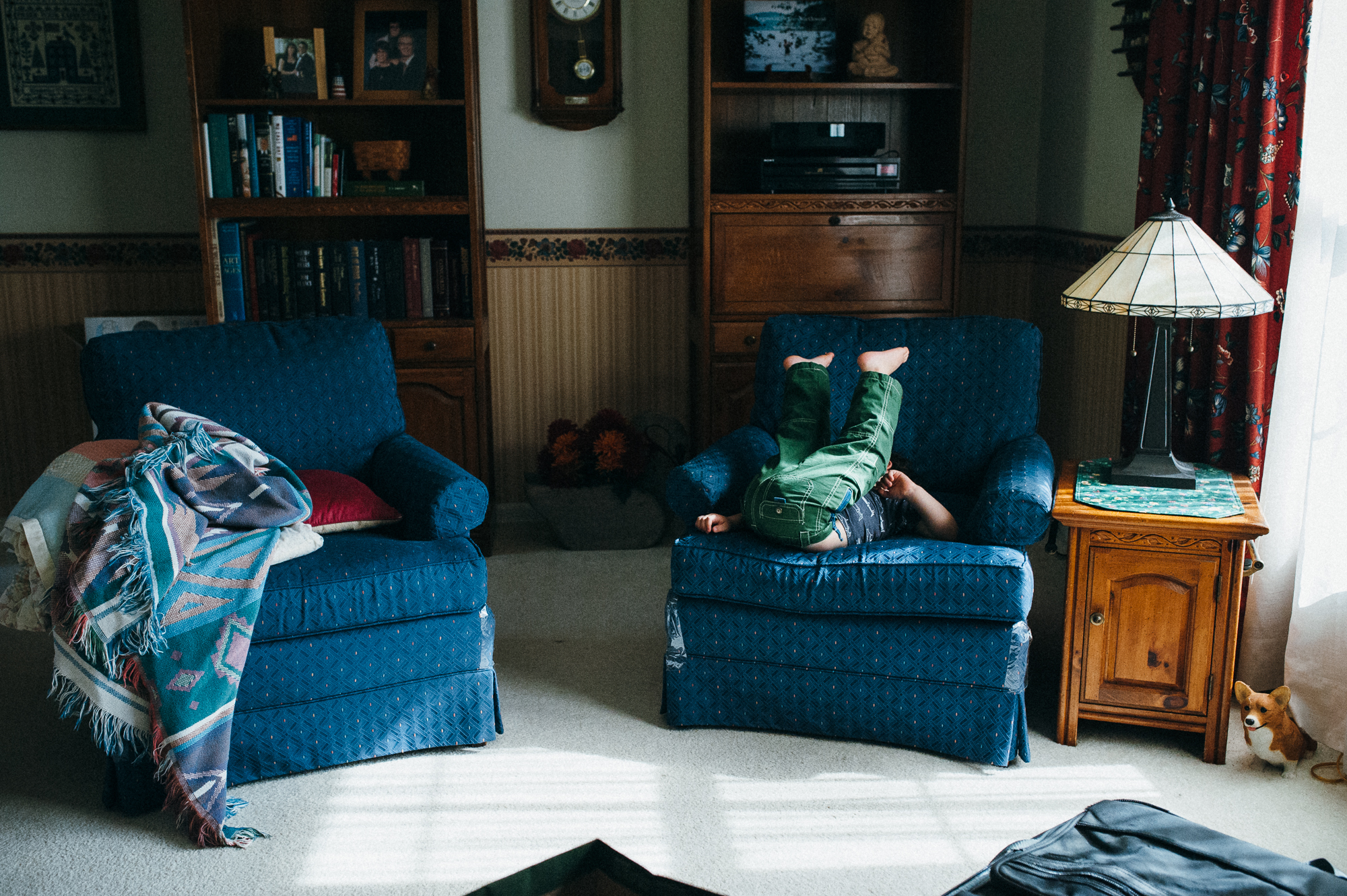
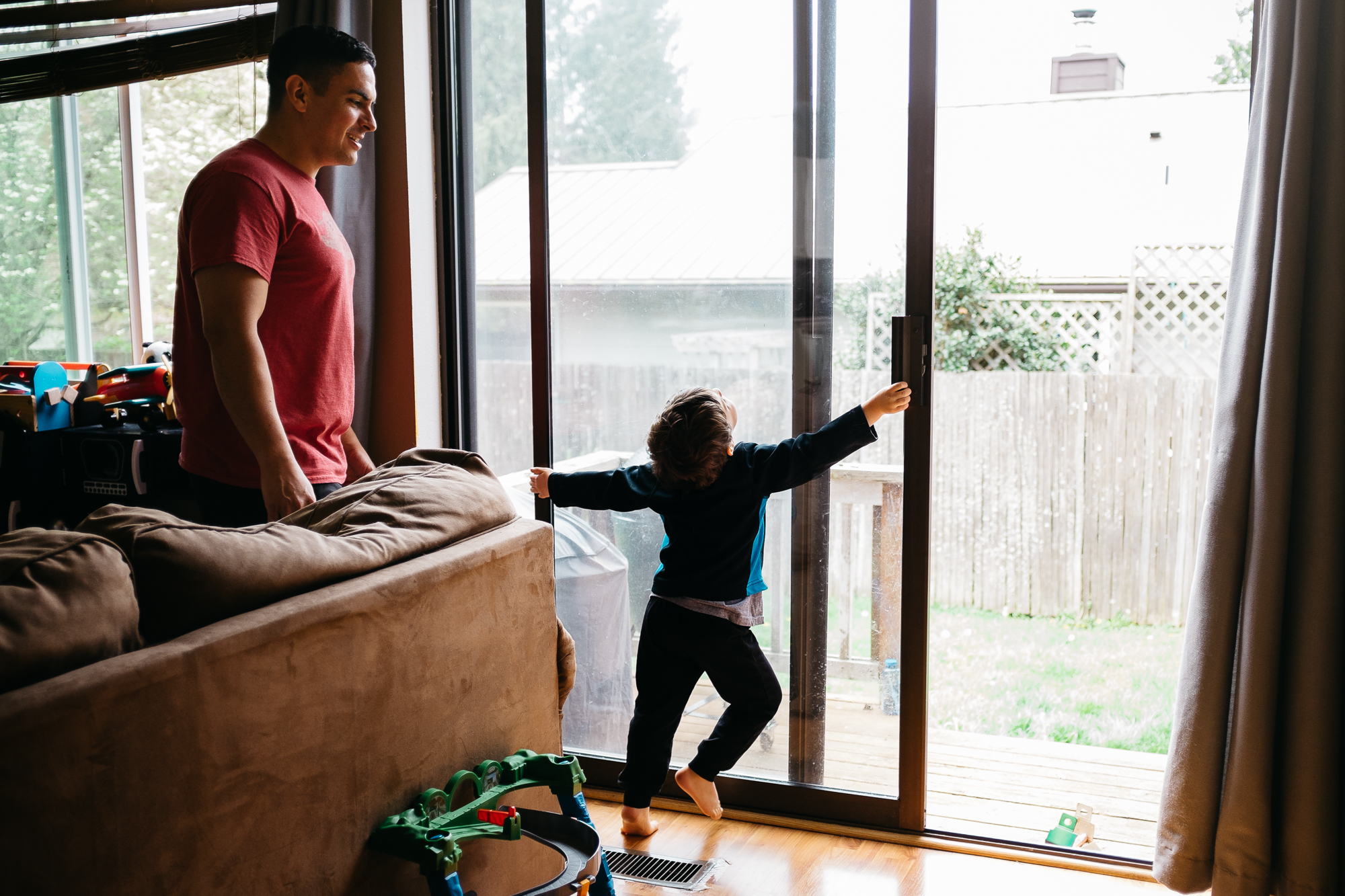
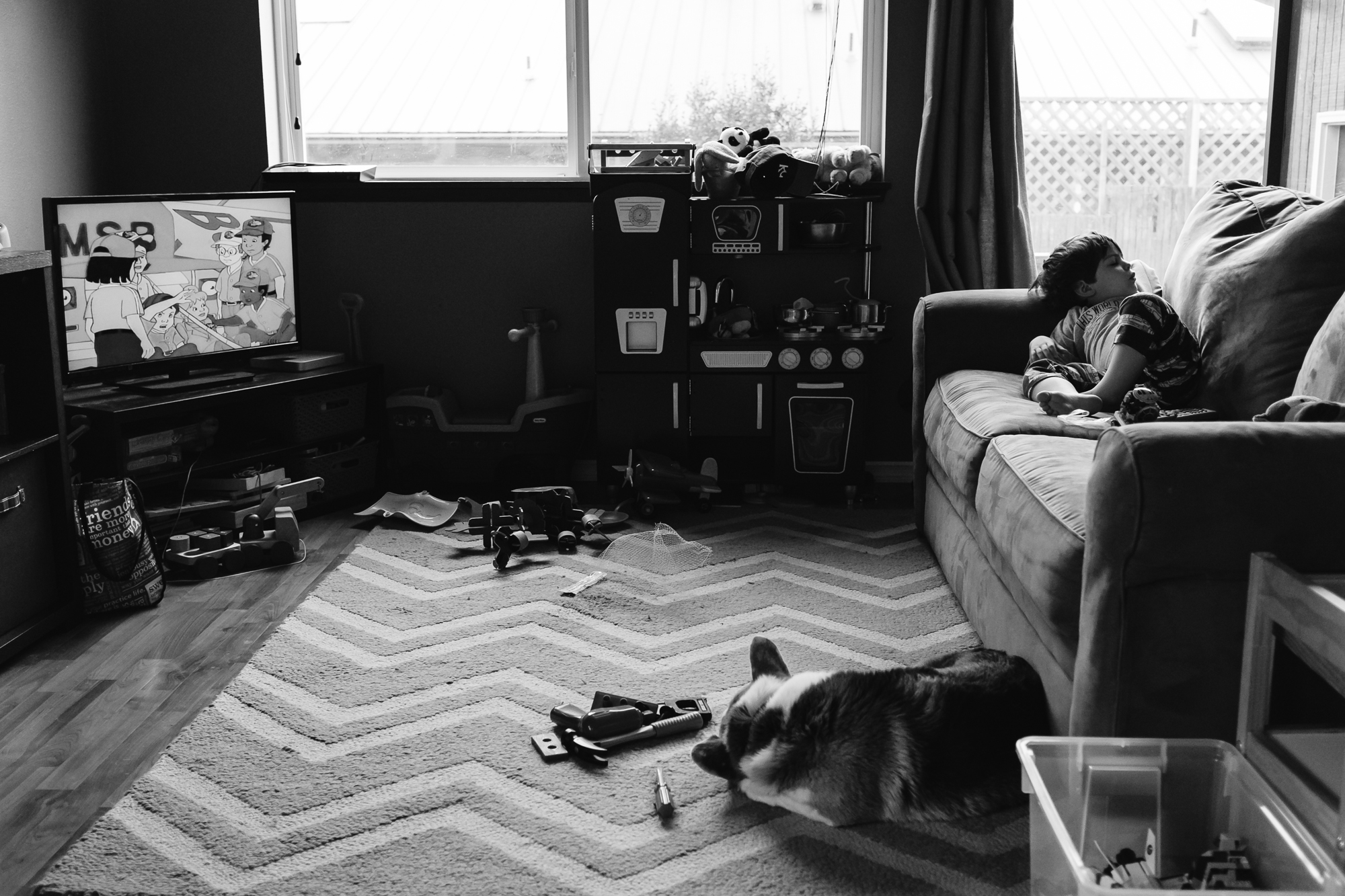
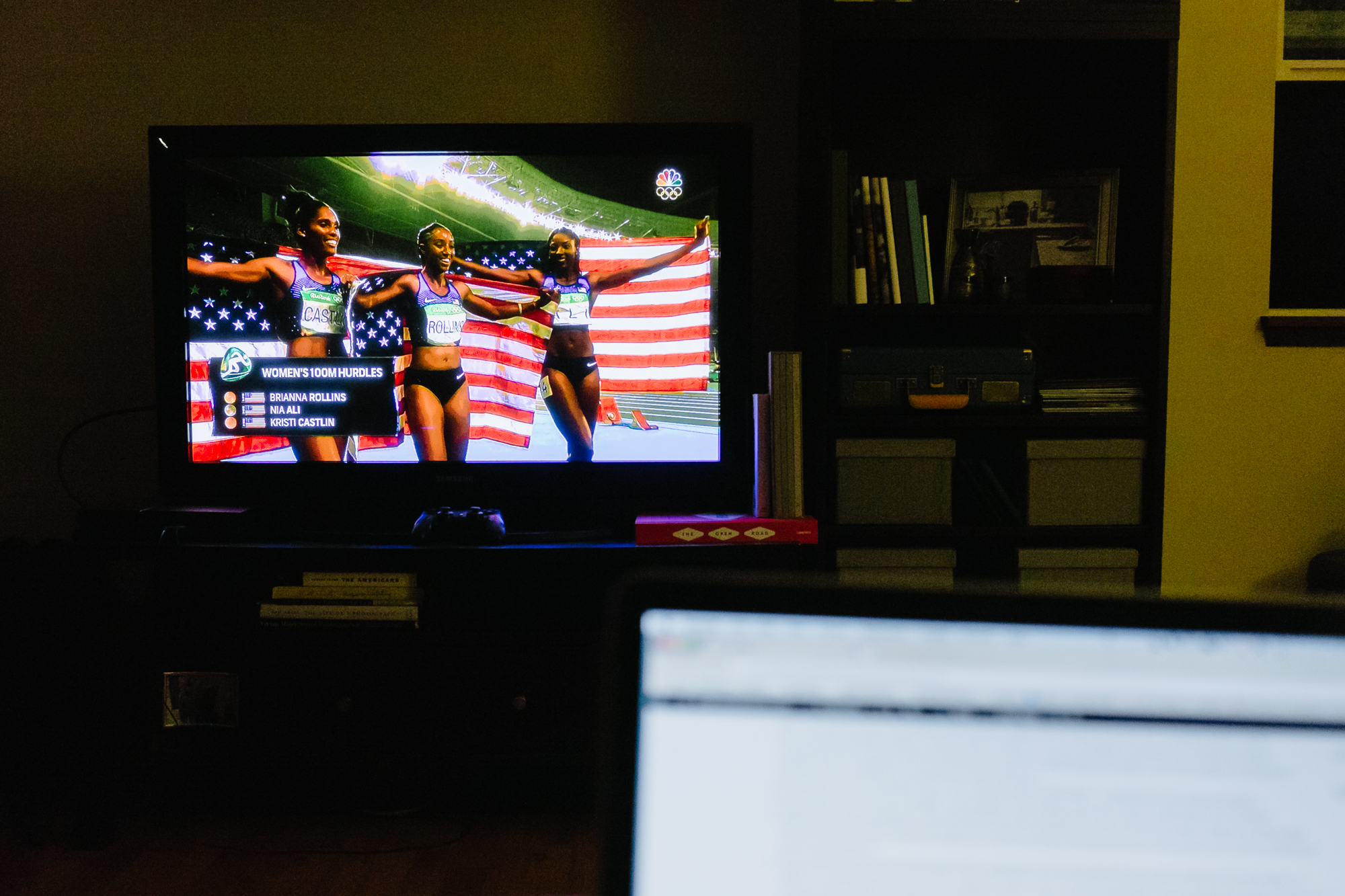
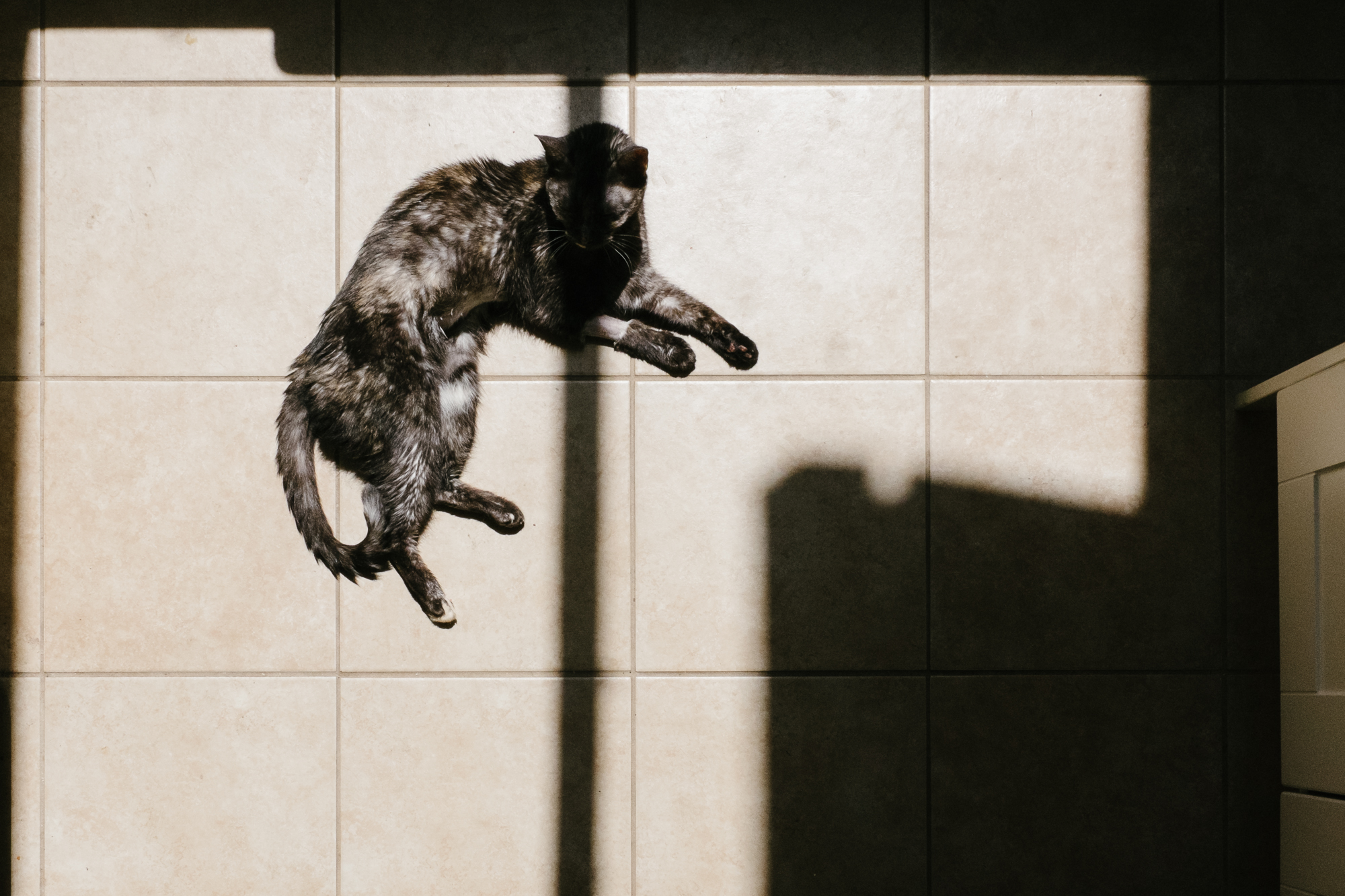
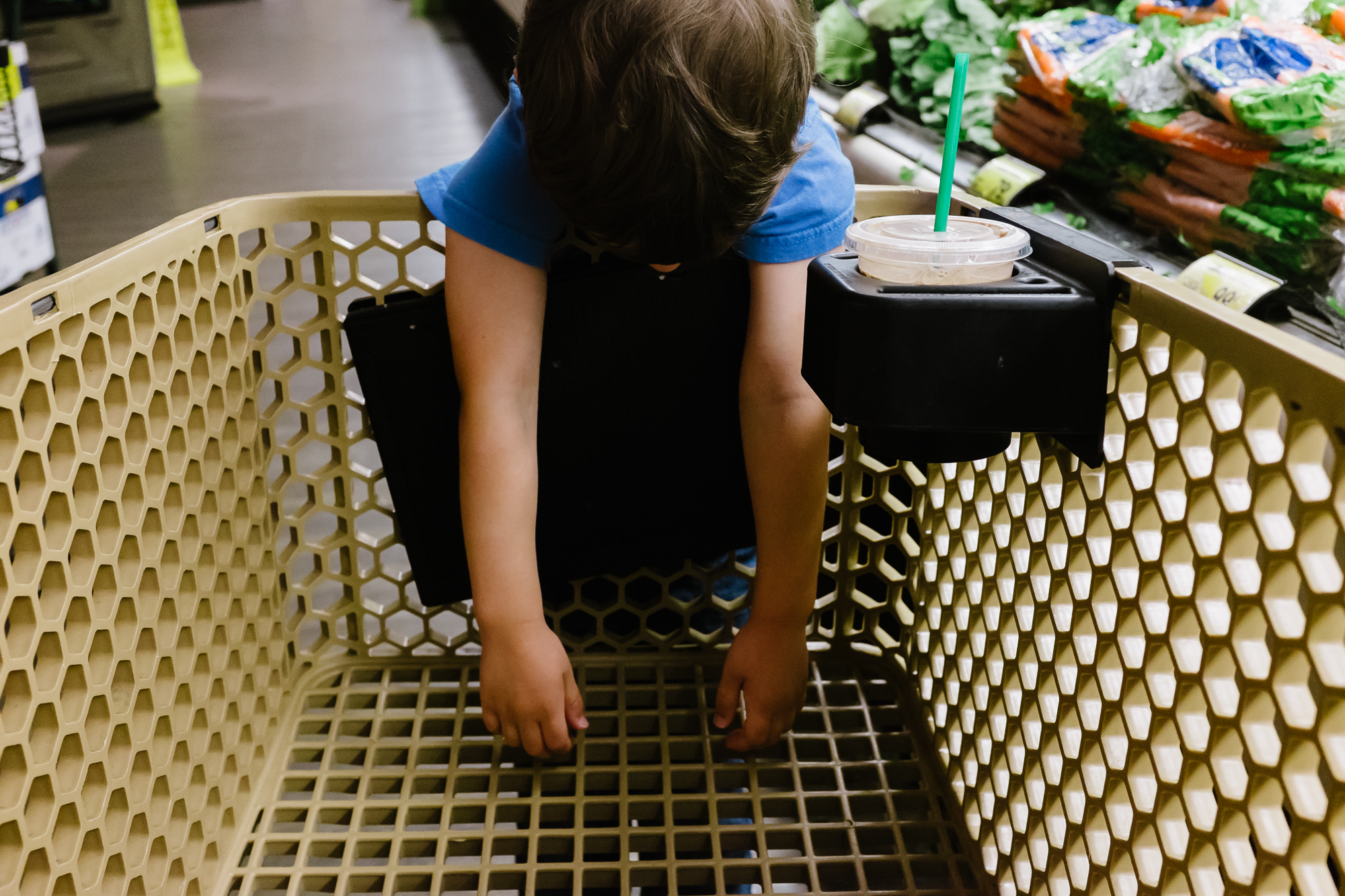
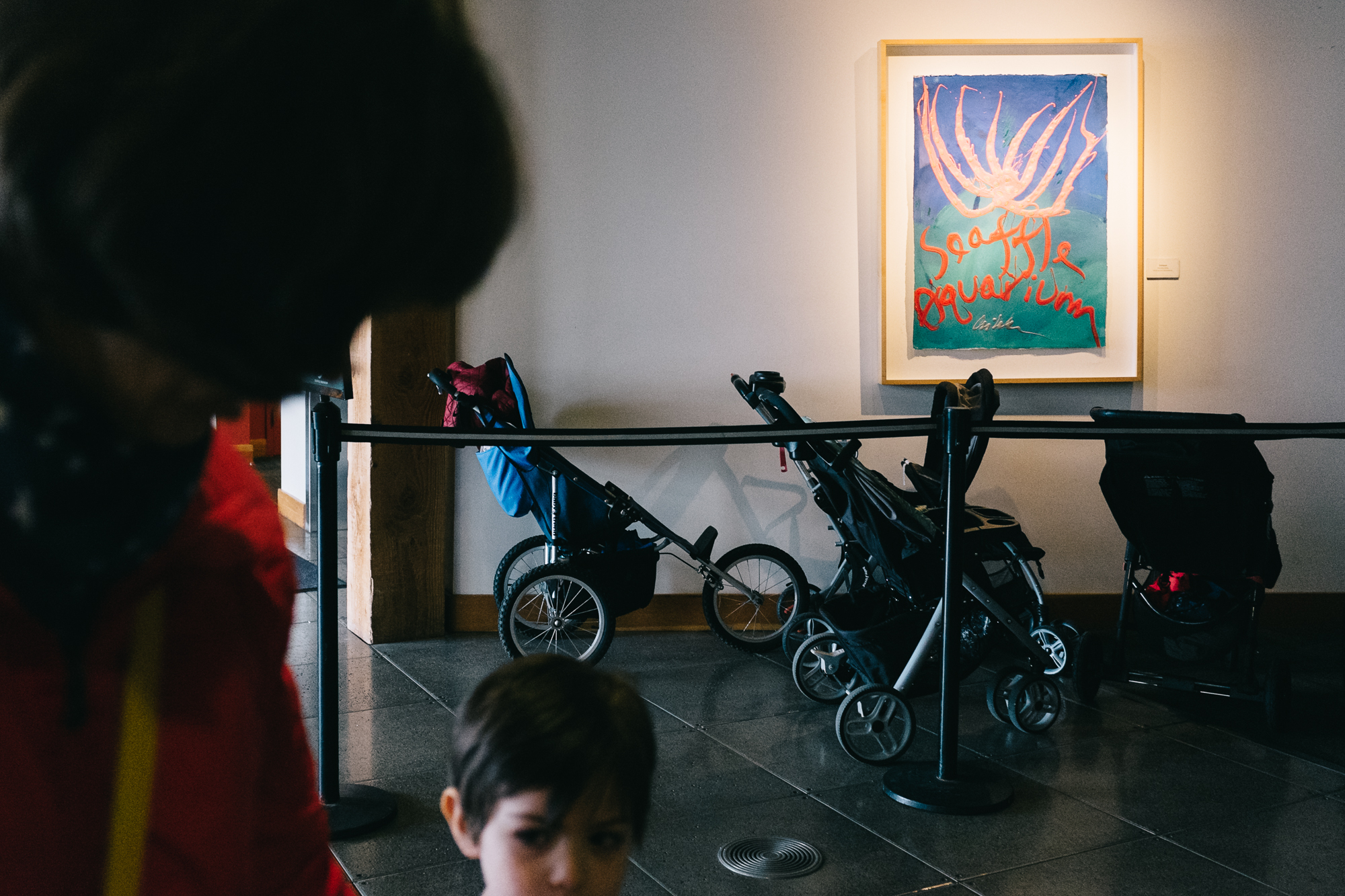
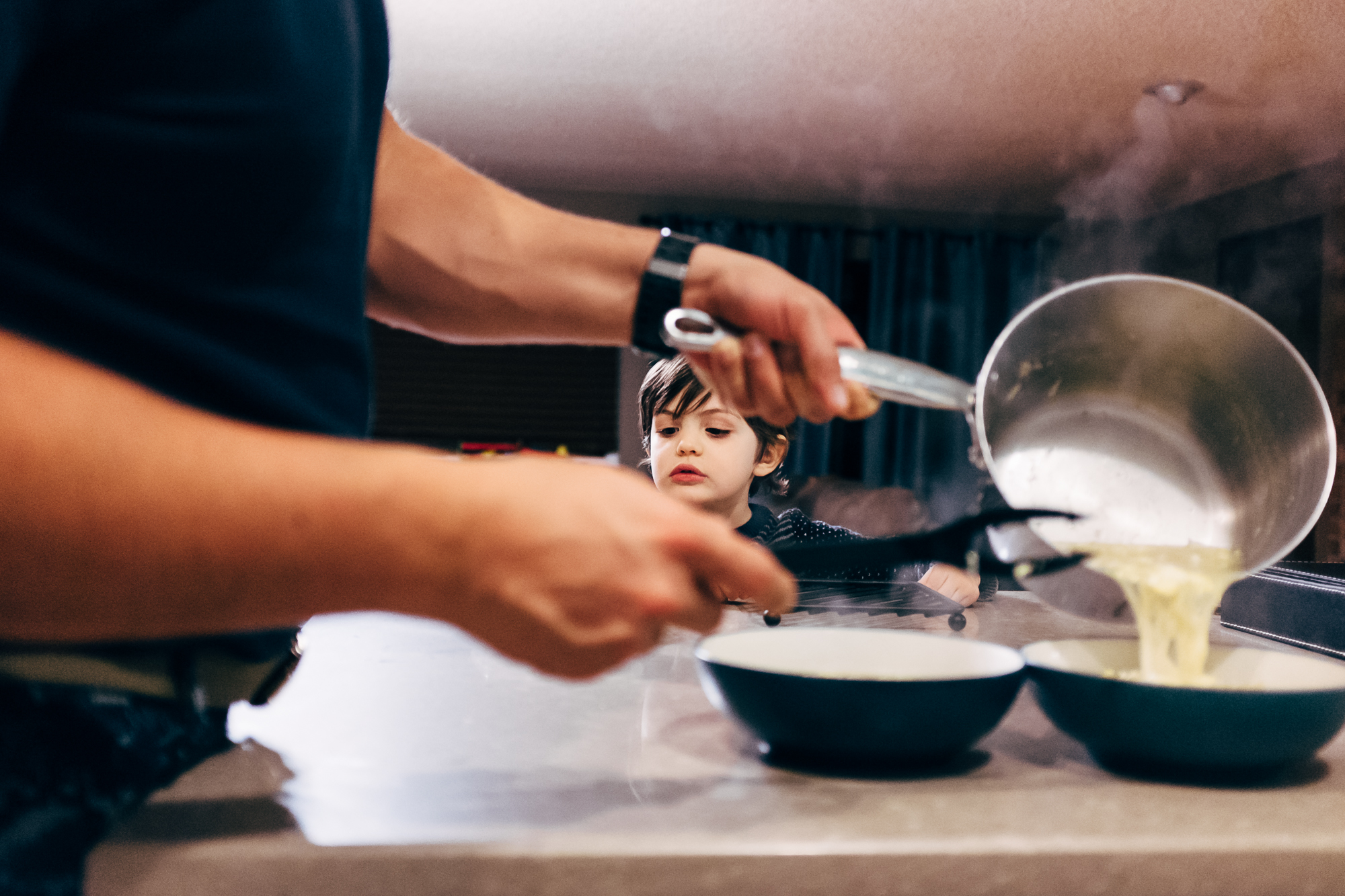
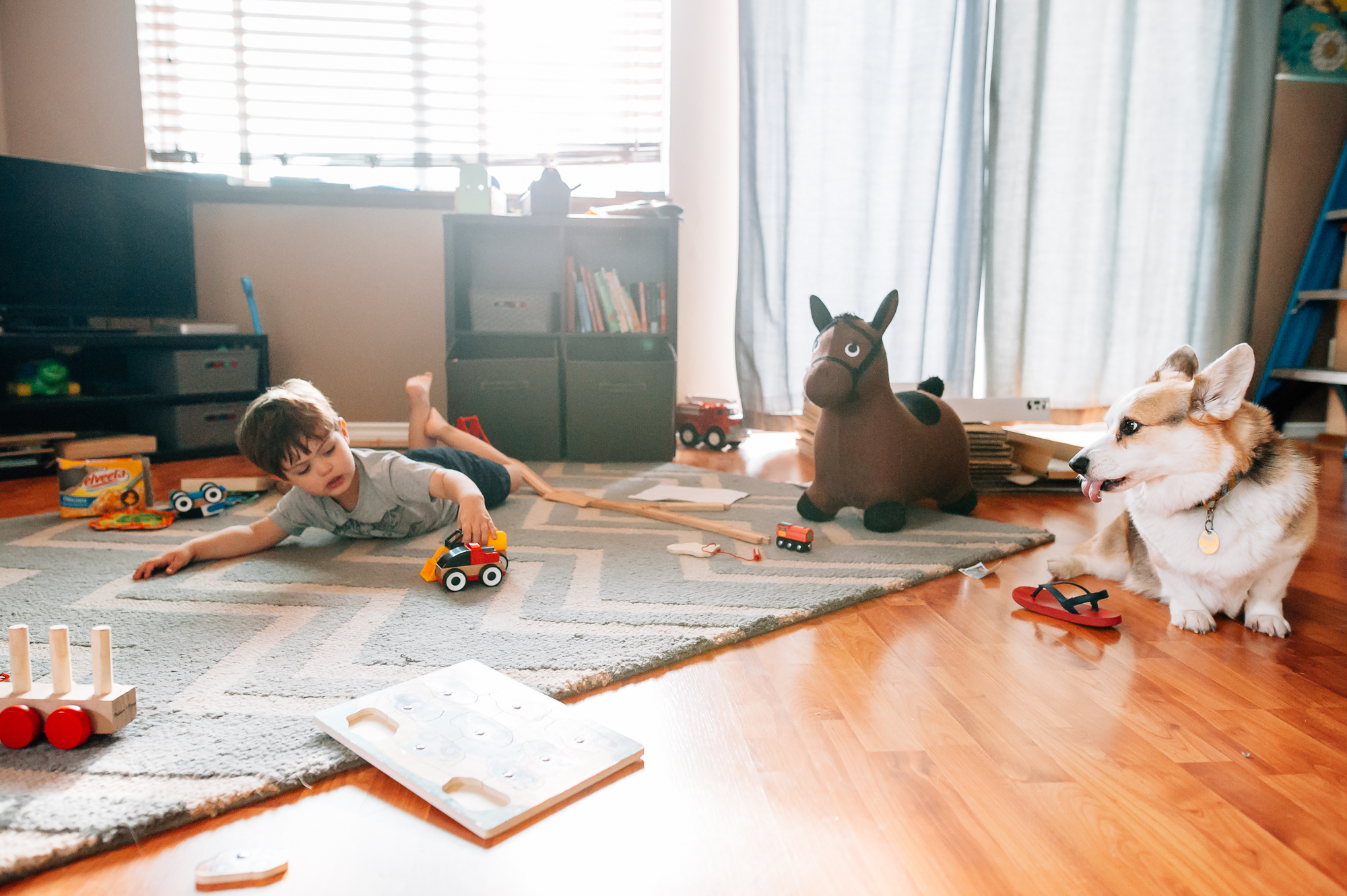

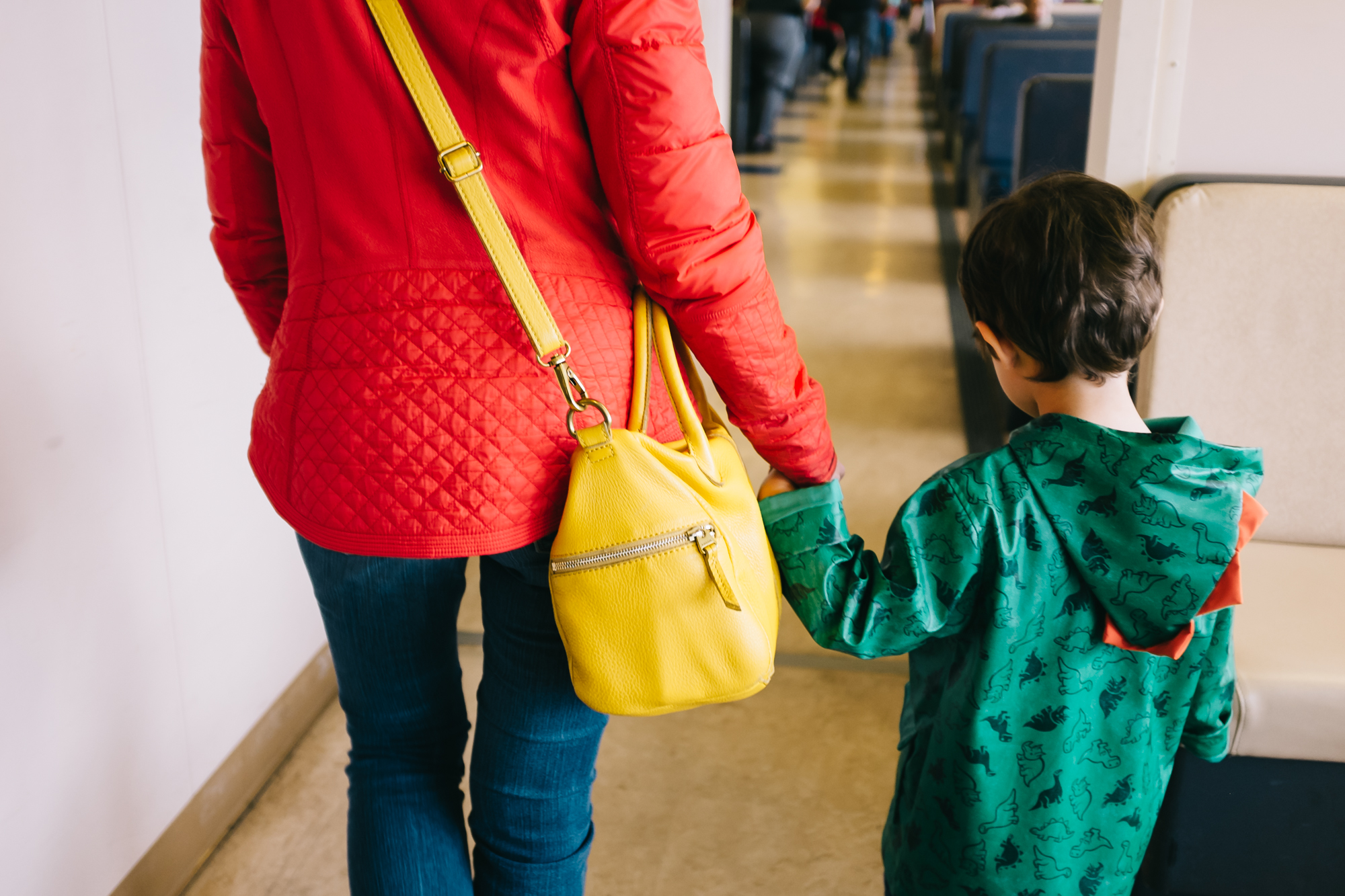
 I grew up practicing patience. I learned it from my Dad, the most patient person I know. He does everything slowly and deliberately (my mom would say too slow!). I always admired that about him. When I was younger, I would ask him a question and it might take him 10 minutes to craft a response. He thought about what he wanted to say and made sure it perfectly represented him, always with a calm and soothing demeanor. I wanted to be like that too.
 Fast-forward to having children and I knew my “patience” quality would take me very far. WRONG! Patience with kids requires practice and let’s just say, I haven’t been the best student. 🙂
 When you strip away some of the creative and technical aspects, the essence of creating a good photograph lies in waiting for something: the right lighting, a decisive moment, or an interesting composition.
 If you decide you want to pursue photography seriously, you learn that immediate gratification doesn’t always come.
 Here are a few ways I’ve learned to slow down in my journey and how they’ve helped me be a more patient artist:
 I keep my gear limited.
 My current gear consists of the following of one full-frame camera (Nikon D750 and one prime lens, Nikon 50 1.8). That’s it. I have a backup camera, but I never use it. You don’t need a lot of gear to a be a good photographer. It’s about working with what you have. And in my opinion, it’s better if you start that process without having a lot of fancy gear to get in the way of what truly matters, the subject, and how you want to approach creating the image. It can be intimidating for me not having all the fancy gear that my peers have, but it’s not practical or cost-efficient for me to do right now. I rent lenses depending on the type of shoot. I’ve still been able to book clients, take images I love, and contribute to several photography groups with just one lens.
 Clients don’t equal talent. Did you have one client that you loved to shoot this year? Celebrate that! Continue to hone your skill and find the people who appreciate your vision. ’As long as you are working with people who love your work and are willing to pay your price, you can have a successful business with fewer clients.
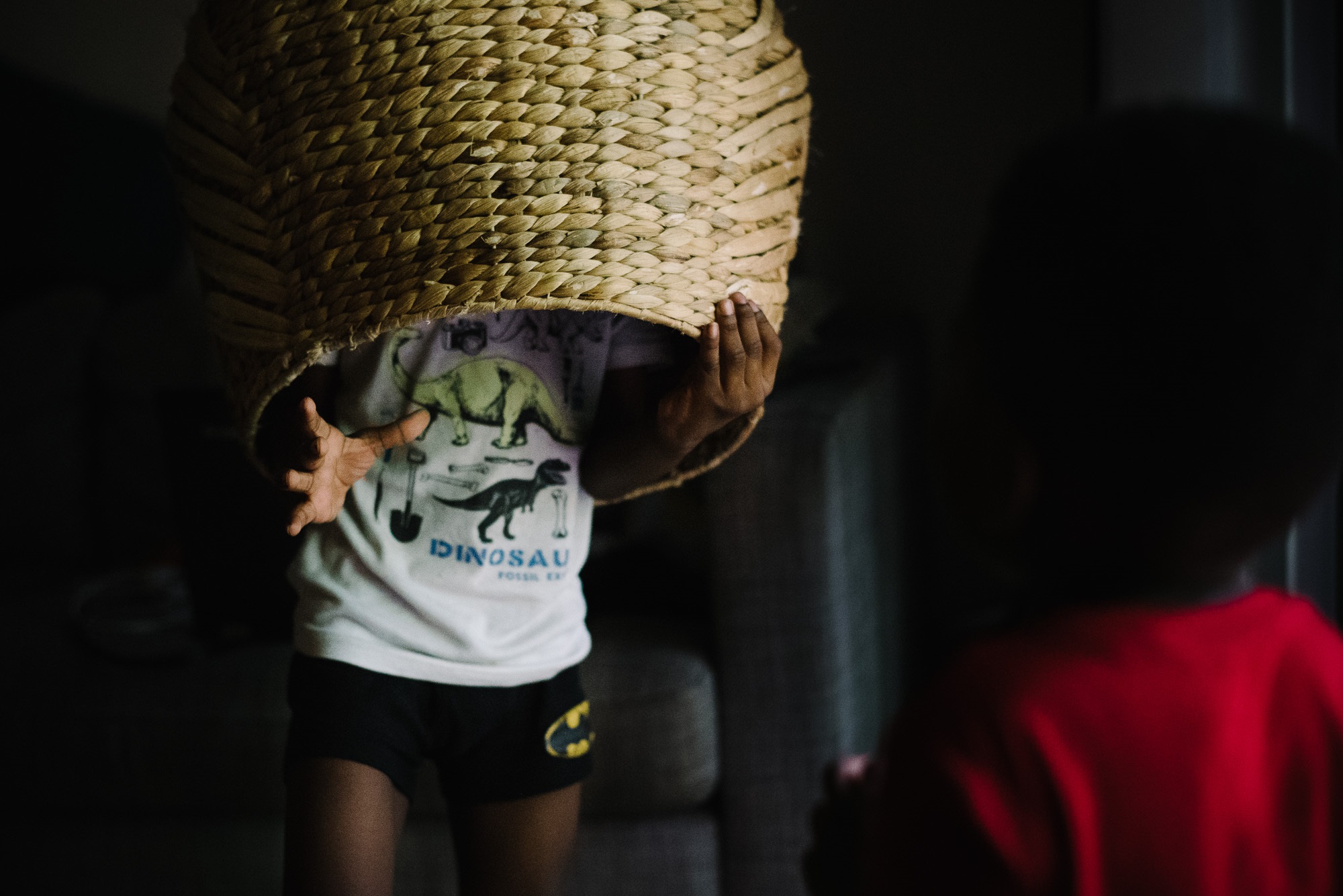 So, this is something I had to learn the hard way. There are so many options for education now. You can go the traditional route at a college or university or be self-taught like myself. But, if you want to take your art to the next level, you have to invest in education. I wasted a lot of money in the beginning buying presentations, online workshops, and e-books that all shared the same information. I didn’t know what to choose and it can be overwhelming to weed through the vast list of options… all claiming to help you master a certain skill. Now that I’ve been around the block a few times, I go about education choices differently. I thoroughly research any instructor, what they are offering, and how it will help me. I set a budget for education and focus on learning a skill where I feel I have a weakness. Remember, no mentorship, new shooting concept, or preset can help you be a better photographer if you haven’t learned the basics and done some internal digging about the type of photos you want to make. Once you figure that out, your images will speak for themselves and you will have a better idea of what you want to learn.
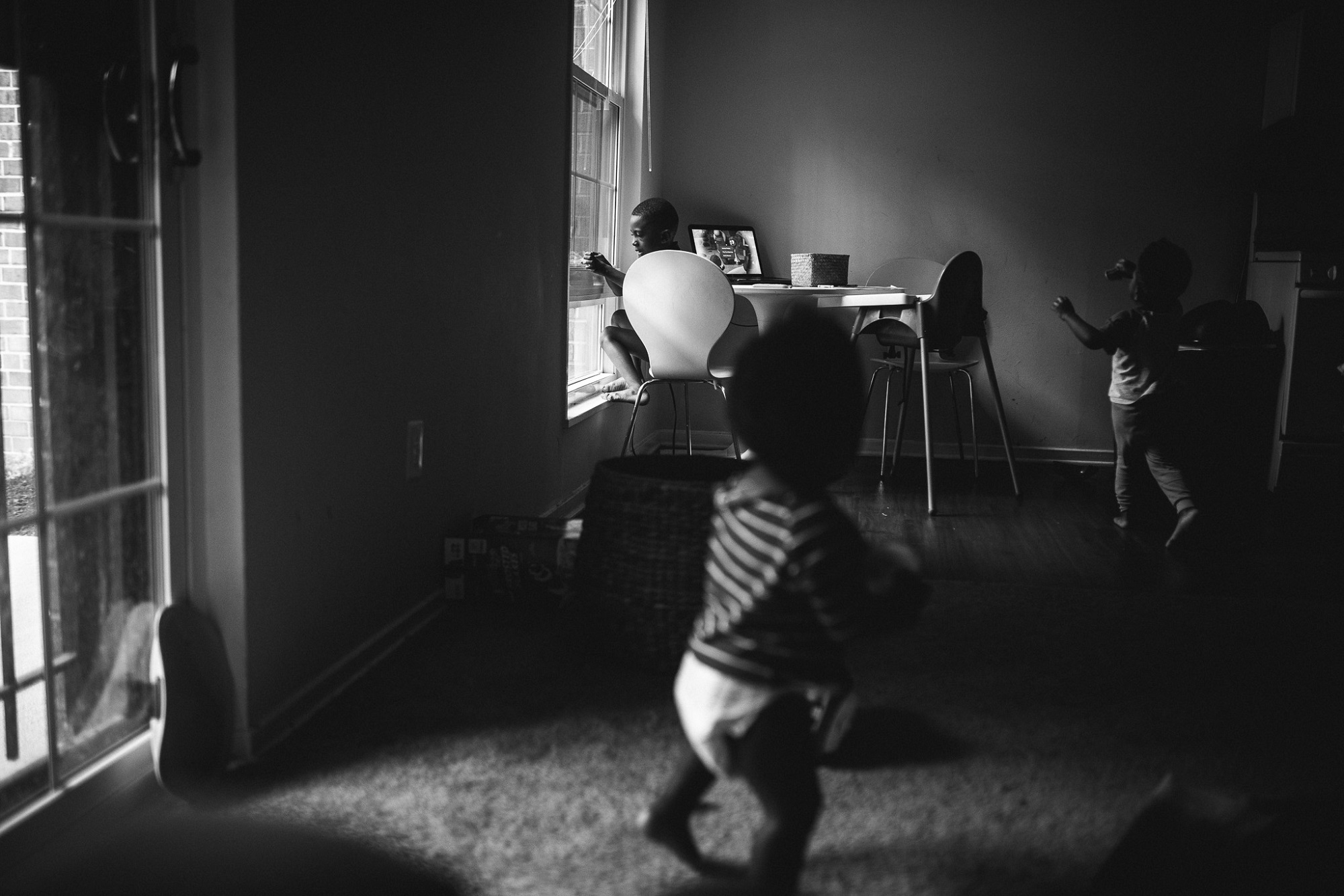 I like to look back old photos and appreciate how much I’ve grown. I hope you do that as well. Congratulate yourself and celebrate your accomplishments! The highlight of my personal growth as a photographer came as I started to reflect less on the images and really started to focus on the reason why I take photos. I’ve learned that I love photographing light and shadow, quiet moments, emotional connection, joy, and individuality. Now that I know that, I immediately see those things and don’t have to try as hard as I used to do to create an interesting photograph.
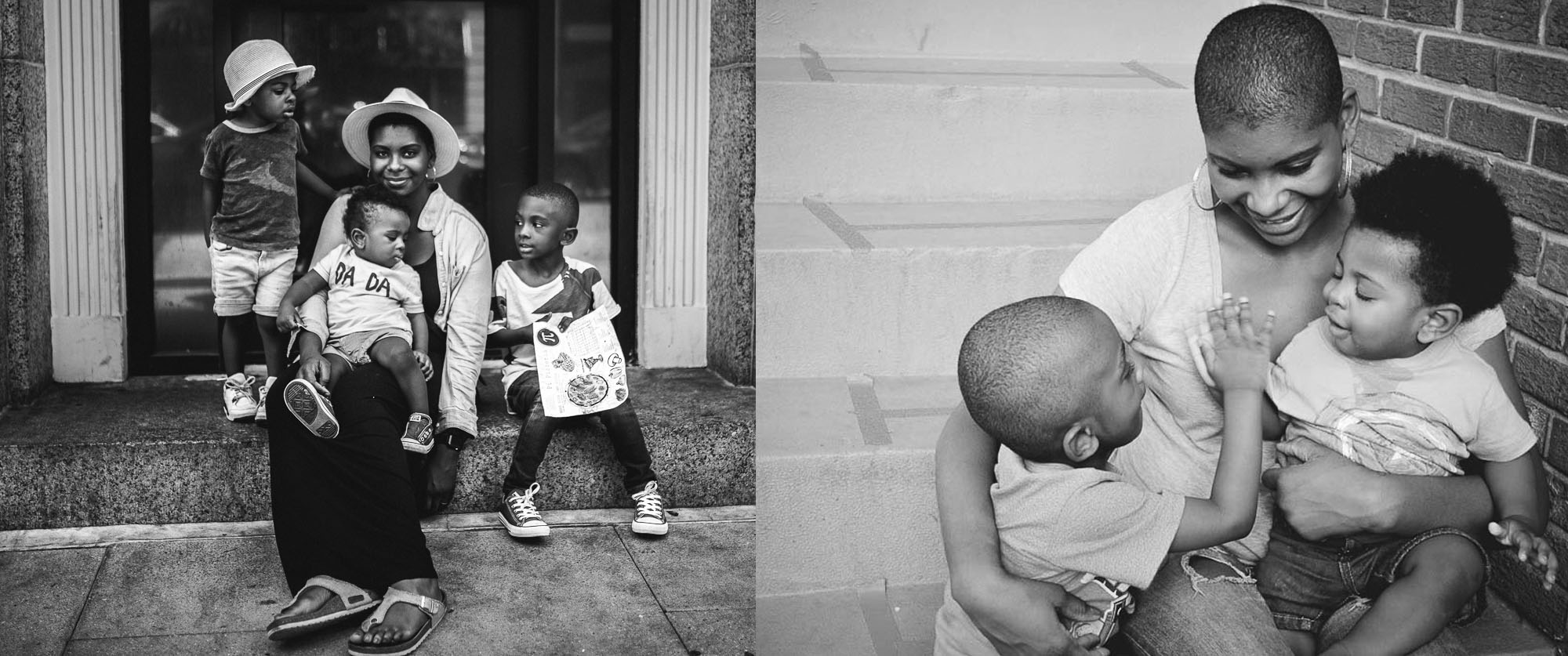 I have a full-time job, a family and countless other personal obligations. I am not working to be a nationally acclaimed portrait artist. I simply don’t have the time to devote my every waking moment to learning the craft, so, I don’t. I fit photography into my schedule and I make time for it because it’s important to me. This might mean I have three hours in a month to practice a new skill or that I might be a bit rusty after picking up my camera after a week of rest.
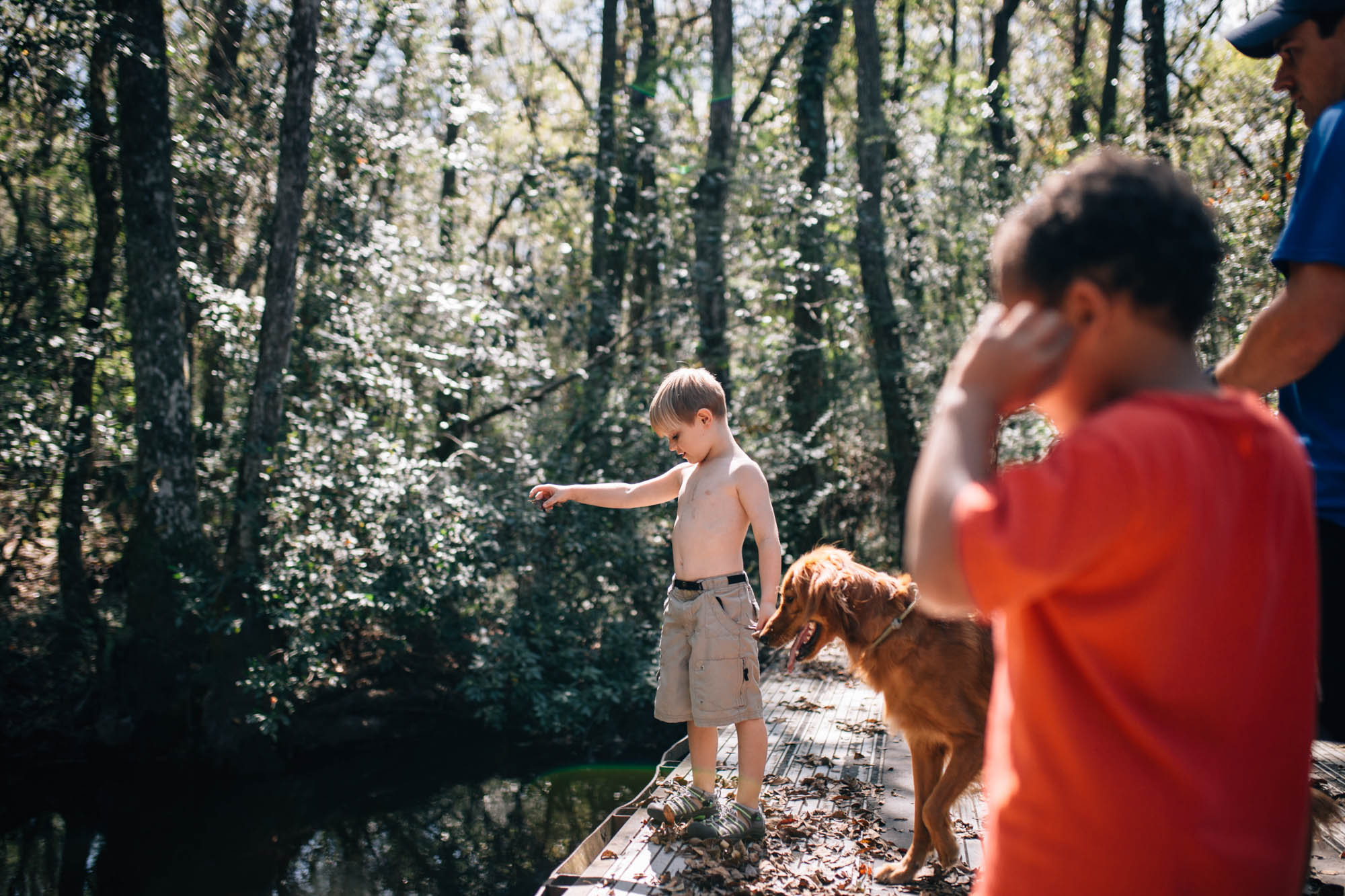 Once upon a time, there was a cute little four year old boy that looked up at me with big ole eyes and said, “Mommy, why do you take so many pictures?”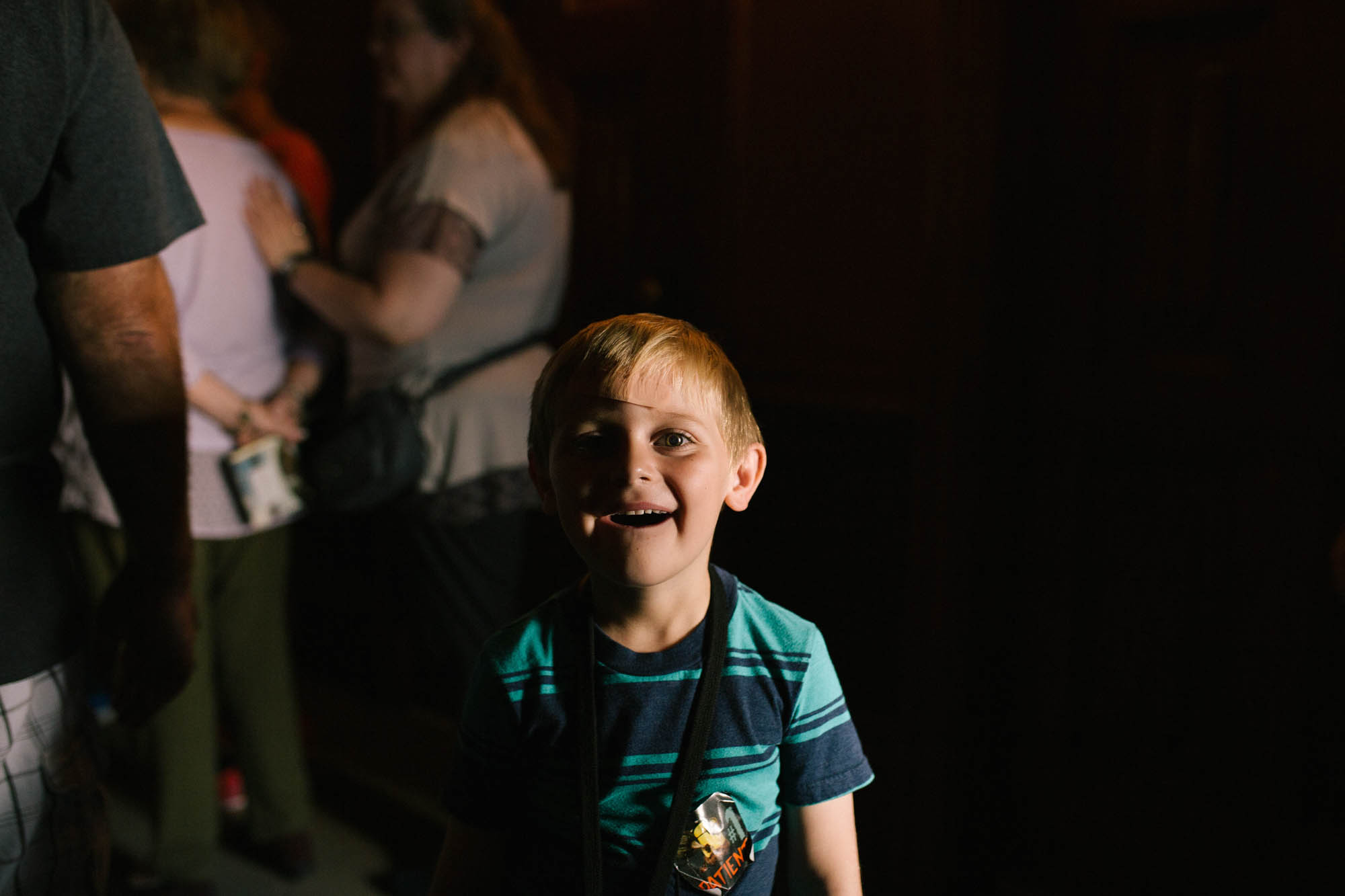
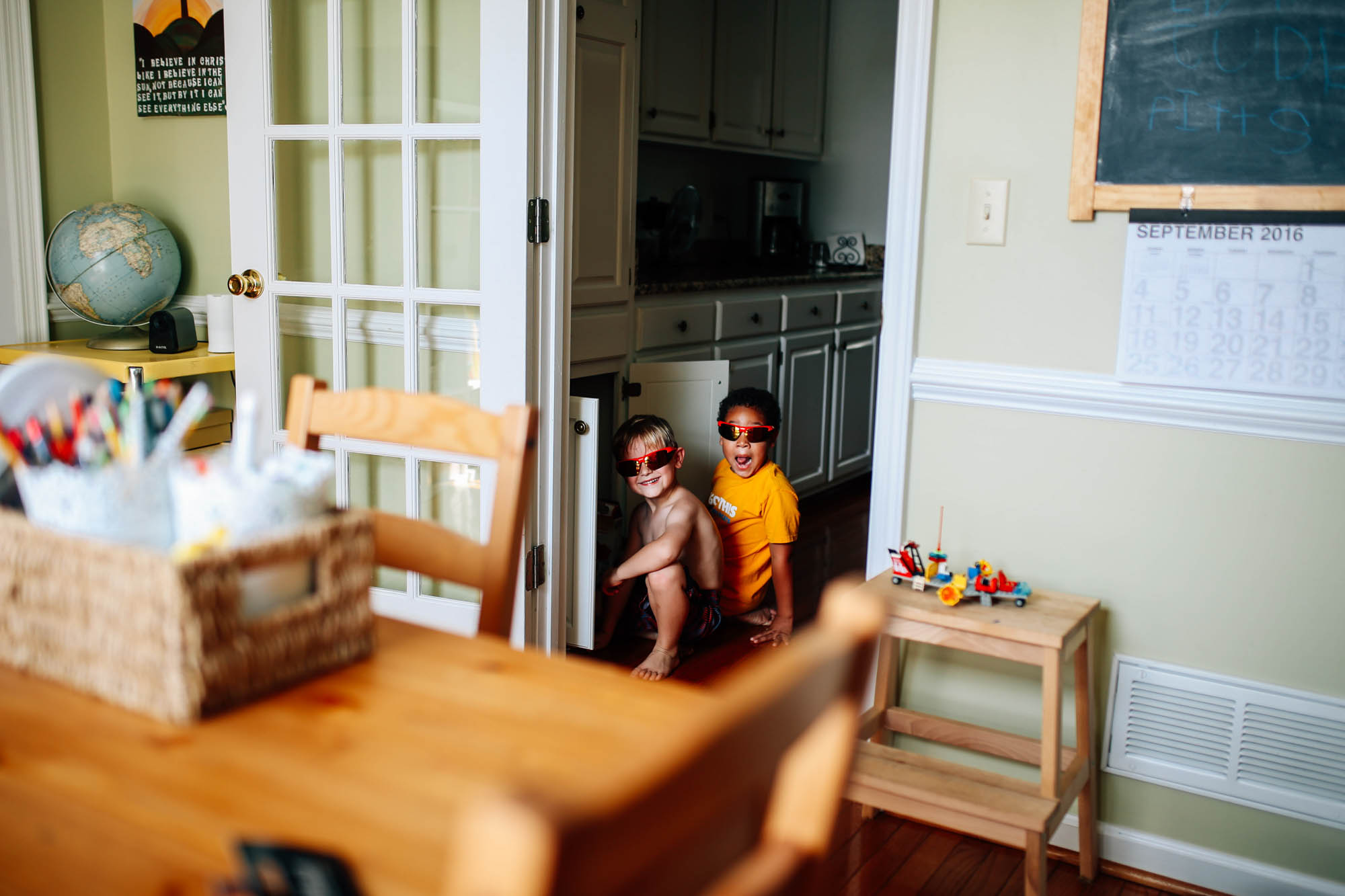 Here’s what I mean by remembering the memory: looking back at this photo of my boys sneaking into the snack cabinet, I am overwhelmed with the full scene of the memory, not just parts of it. I remember that I was sitting at my desk feeling pretty frustrated about an editing issue on another image, fighting annoyance (real life y’all) with the loudness of my kids when I told them I just needed like 30 minutes to work, hearing their tippy toes sneaking over, turning around to get on to them, and then seeing this- HUGE grins on sweet faces. They were “invisible” with their glasses on and were trying to quietly sneak a snack. In that moment, all my frustrations went away (followed by some mom guilt that I was even frustrated at them in the first place). But then they came over and hugged me and I apologized for my attitude and we all had a snack (maybe I was just hangry.)


 that you